1955 AI: See Yourself in 1955

Upload one photo and get a video of you in 1955 — Main Street, the diner, the drive-in, in period dress. No prompt writing, no editing skills.

1 photo → 1 1955 clip5–10 secondsNo prompt needed

1 Choose your 1955 scene

One photo. 9 trips back.

View all 9 scenes

Selected: Main Street 1955 · 8s · 16:9

Create your 1955 video

Your photo

Upload a photo of youChoose an image or drop it here

JPG, PNG, WebP · Up to 10 MB

  • Face clearly visible, looking toward the camera, in even light.
  • Half-body and full-body shots both work — the engine dresses you for the era.

Clip length

Main Street 1955 · 5s

Photos are checked when you generate, before credits are charged

My creations
Owner-supplied reference

Your video will be silent

No music, voices or sound effects. Switch on generated audio, or add a 50s track in TikTok, Reels or your editor.

Main Street 1955

Street · 8s · 16:9

Owner-supplied reference · Reference footage, not a result generated by this site. AI results may vary; check the face and wardrobe before sharing.

Scene templates

One photo. Pick your year.

Every 1955 AI scene ships with a directed prompt — your photo supplies the person, the studio supplies the era.

01

Main Street

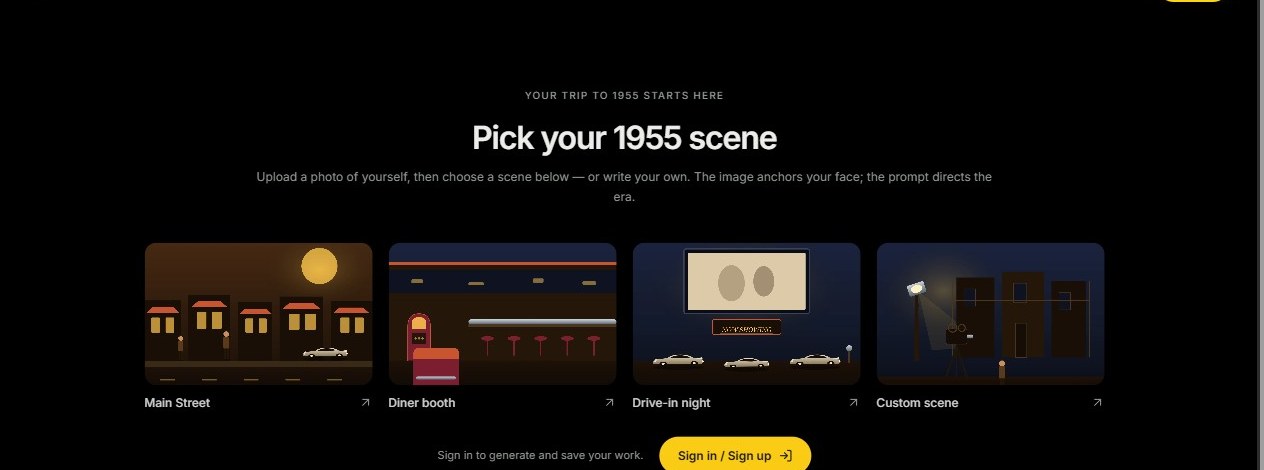
Stroll a mid-century main street — storefront awnings, tailfin sedans, period wardrobe on you.

02

The Diner

Slide into a chrome-and-vinyl booth under neon — jukebox glow, milkshake on the way.

03

The Drive-In

Dusk at the drive-in — speaker on the window, marquee lights, you in the front row.

See the 1955 AI scenes

One face, every era landmark

Watch modern people walk Main Street, slide into the diner, catch the drive-in show, and mow the suburban lawn — all in 1955.

About 8 seconds · Landscape

Main Street stroll

A morning walk past awnings, tailfins and shop windows — your face, period coat.

About 7 seconds · Landscape

Diner booth

Chrome, neon and a jukebox — slide in and the waitress is already pouring coffee.

About 8 seconds · Landscape

Drive-in dusk

Marquee lights, a window speaker, and the feature starting — front row, period dress.

About 7 seconds · Landscape

Suburban morning

Milk bottles on the step, a finned sedan in the drive — the classic 1955 opening shot.

How it works

How to make a 1955 AI video

Start with one photo. Choose the length. Download your trip back.
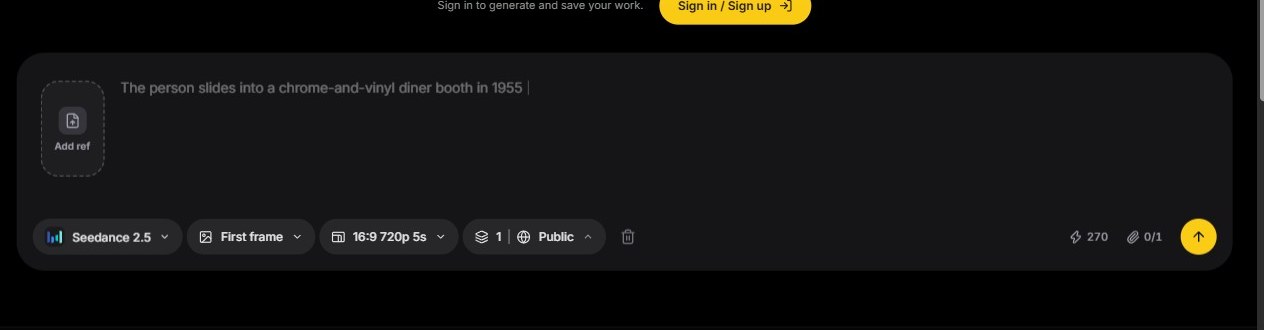
Upload your photo in the 1955 AI workspace01

Upload your photo

Choose a clear photo with your face visible — portrait or half-body, even light. JPG, PNG, WebP · Up to 10 MB.
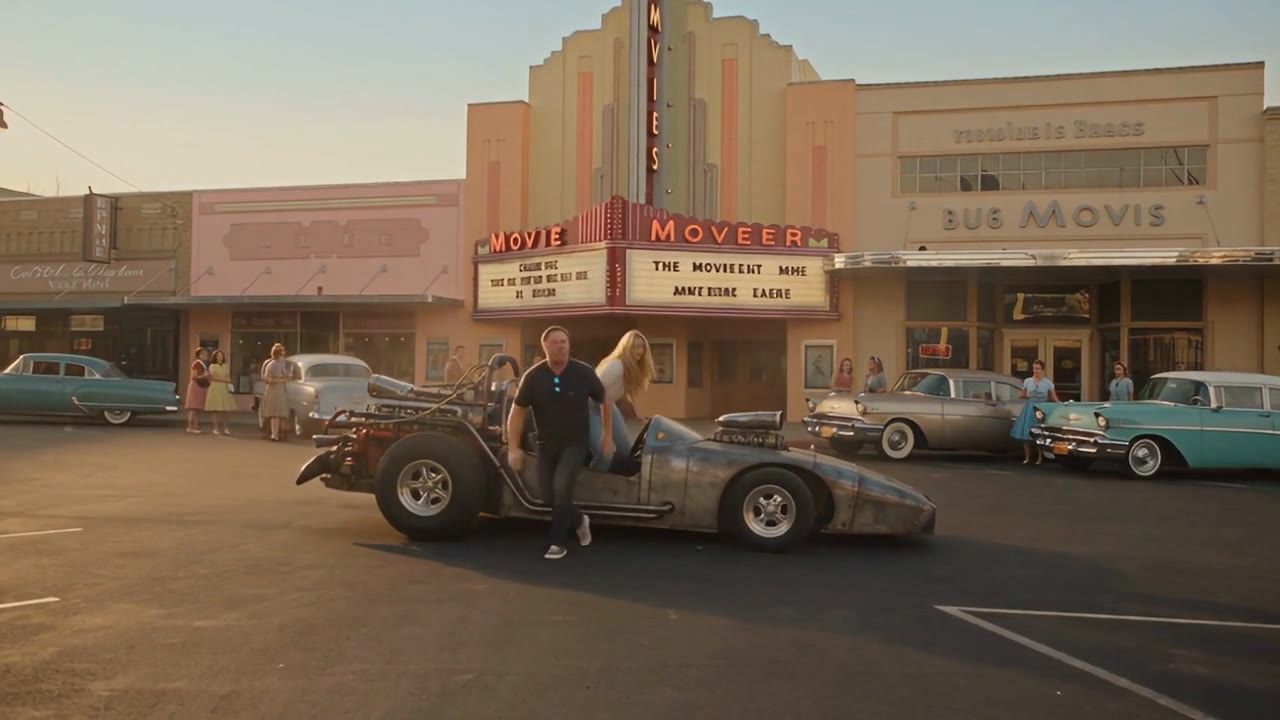
Choose clip length and generate in the 1955 AI workspace02

Choose length and generate

Pick a 5-second or 10-second clip, confirm you can use the image, then generate the scene. Landscape · Silent MP4.
Download and share your 1955 video03

Download and share

Watch your finished video here or in My creations, then download it. Add a 50s track in TikTok, Reels or your editor before posting.

Introducing 1955 AI

A photo-to-1955 video pipeline

1955 AI is an AI video generator tuned for one job: putting you inside a believable 1955 scene. Upload the photo, pick a scene, and the studio handles wardrobe, camera, and light.
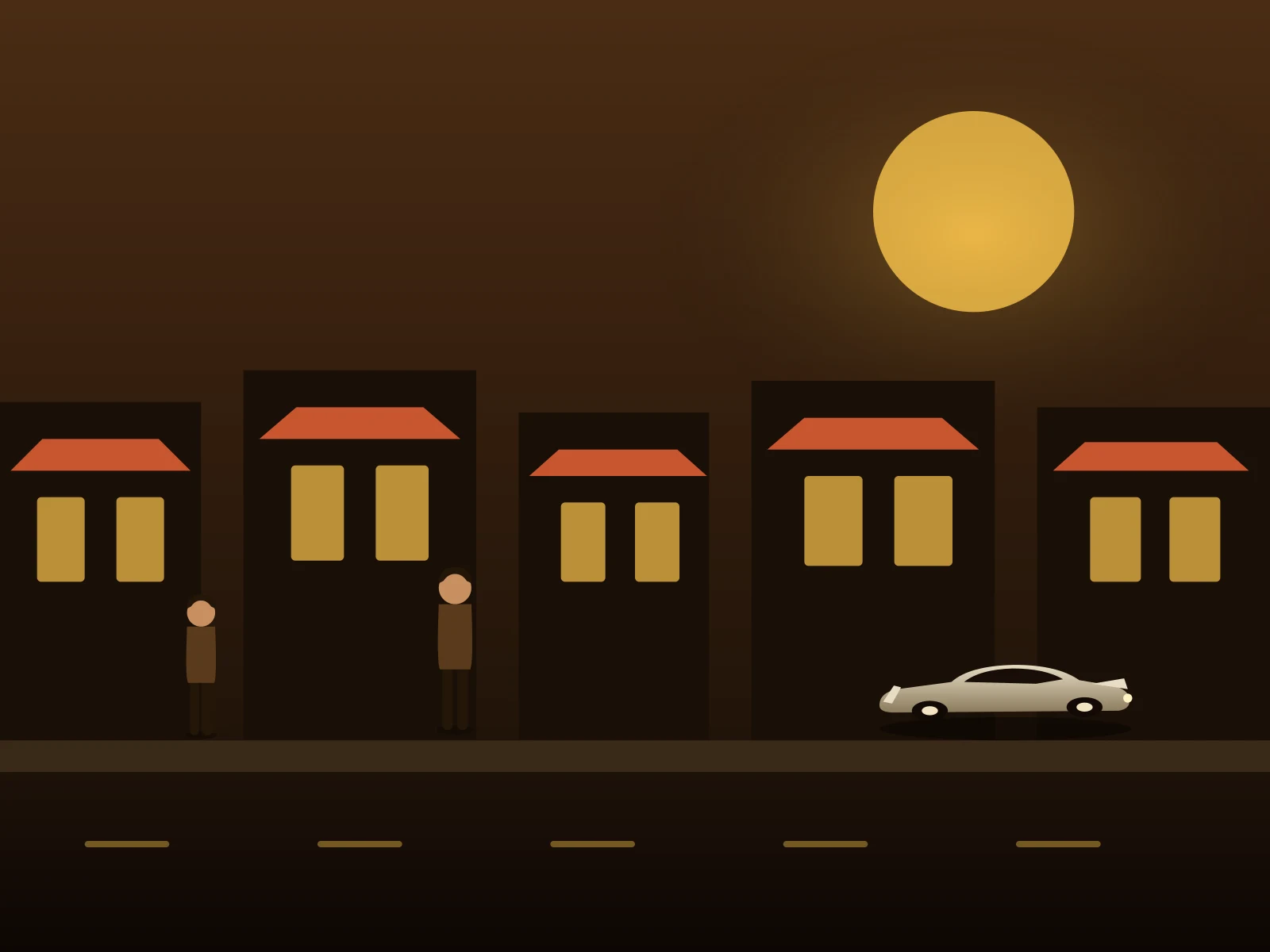
1955 AI video generation studio preview
01

Photo-first workflow

One clear photo of you is enough — face and posture carry into the generated clip.

02

Directed scene templates

Main Street, the diner, the drive-in and more come pre-directed — no prompt engineering needed.

03

Era dressing

The engine re-wardrobes you for 1955 — shirtwaist, lapels, pomade — while keeping your face yours.

04

Period color grade

Warm mid-century film tones and grain, sized landscape, vertical, or square for every feed.

05

Share-ready MP4

Download a clean video file and add your own soundtrack where you post it.

06

Simple pricing

One-time credit packs cover every scene — buy only what you need, credits stay valid for a year.

1955 AI Pricing

One-time credit packs, no subscription. Pick a pack, upload a photo, and your clip renders in minutes.

결제 또는 플랜에 대한 문의는 지원팀에 연락하세요: 지원 문의

주요 결제 네트워크로 안전하게 결제

  • Mastercard
  • Visa
  • American Express
  • Apple Pay
  • UnionPay
  • Google Pay
  • JCB
  • Discover
  • Click to Pay

사용 가능한 결제 수단은 결제 시 표시되며 결제 제공사, 기기, 통화, 지역에 따라 다를 수 있습니다.

Review pricing, credits, validity, and refunds before choosing a 1955 AI credit pack.

Understand the pack before you pay

How photo-to-1955 works, what it costs, and what to check before you share.

01How does pricing work?
1955 AI sells one-time credit packs — no subscription and no recurring charge. Buy a pack once and spend the credits whenever you want.
02How many credits does one video cost?
A 5-second 1955 clip costs 60 credits and a 10-second clip costs 120 credits. You always see the exact credit cost before you generate.
03How long are my credits valid?
Credits from one-time packs are valid for 365 days from the purchase date.
04Is there a subscription?
No. Every pack is a single payment — there is nothing to cancel and nothing renews automatically.
05What do I get for each generation?
Each render returns a silent MP4 clip of you in a 1955 scene, plus access to all nine scene templates at no extra charge.
06Can I use generated videos commercially?
Yes, paid credits can be used for personal and commercial projects, subject to the terms of service and your rights to the uploaded photo.

장면 라이브러리

메인 스트리트, 다이너, 드라이브인

장면을 미리 보고 내 사진으로 실행하세요.

9개 템플릿 모두 보기
8s · 16:9Street

Main Street 1955

7s · 4:3Hangout

The Diner Booth

8s · 16:9Night

Drive-In Premiere

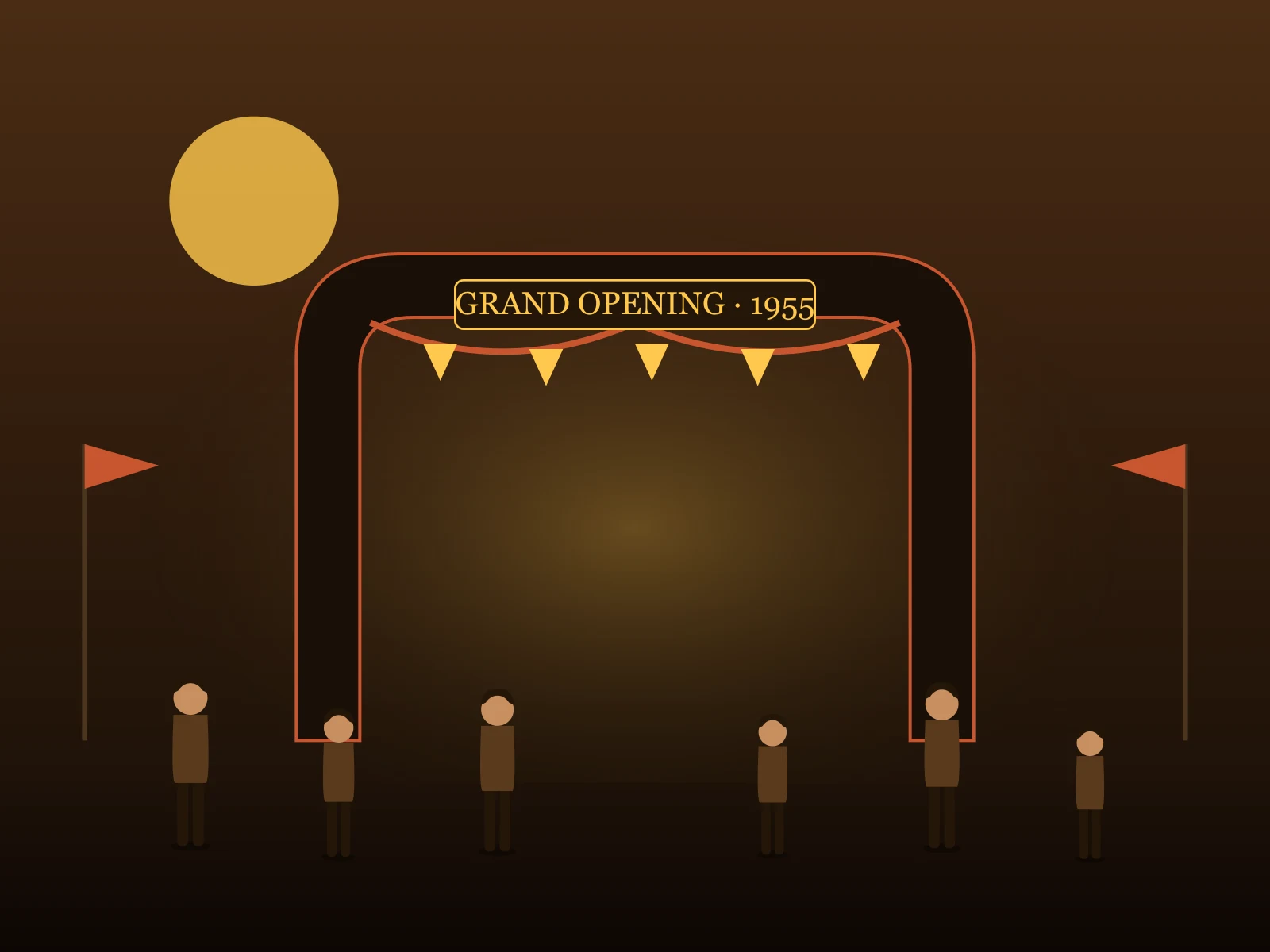
Grand Opening Day8s · 16:9Street

Grand Opening Day

7s · 1:1Night

Sock Hop Night

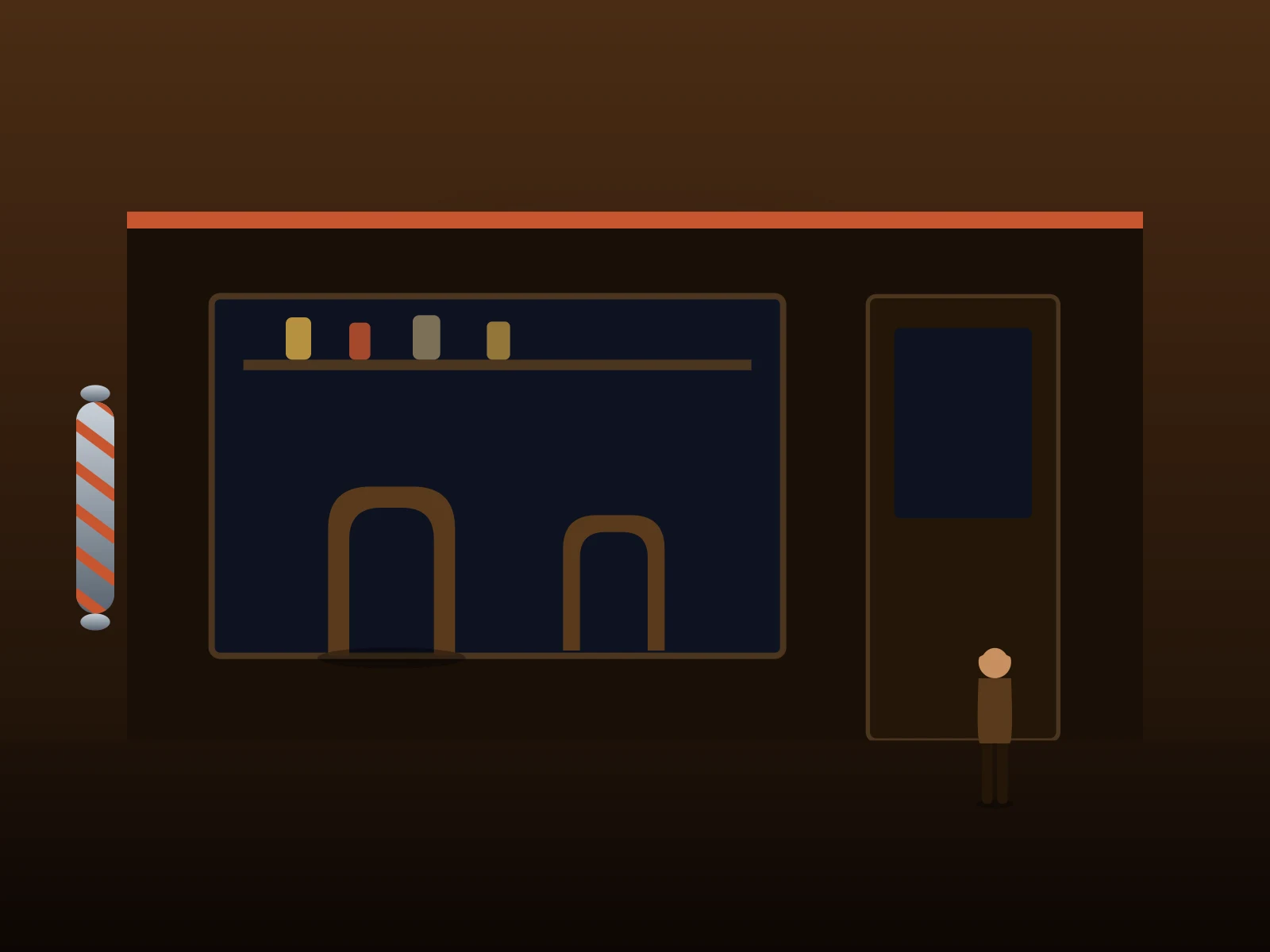
The Corner Barbershop6s · 4:3Hangout

The Corner Barbershop

7s · 16:9Home

Suburban Morning

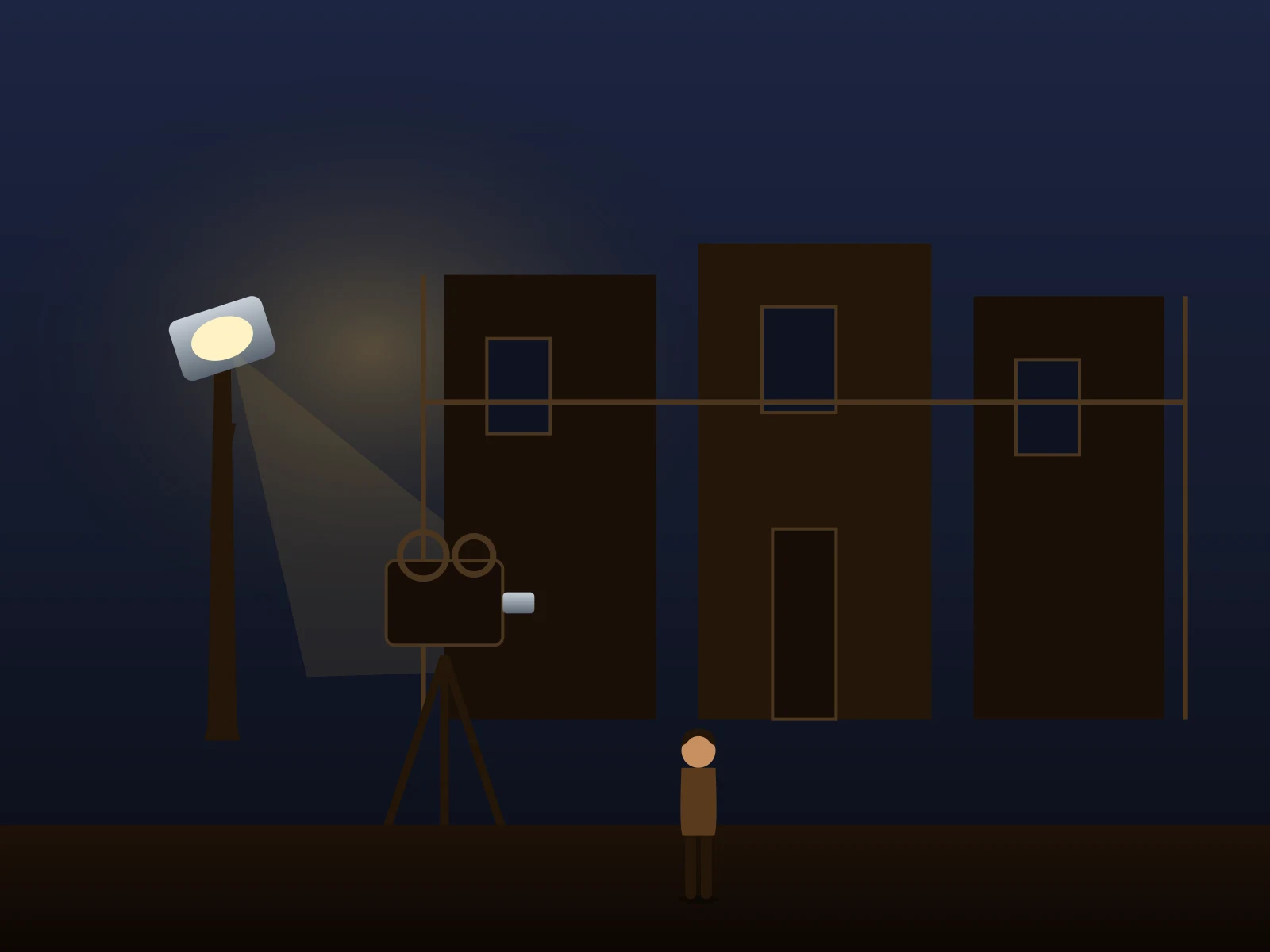
Tinseltown Backlot8s · 21:9Street

Tinseltown Backlot

7s · 16:9Hangout

Boardwalk Summer

Before your first trip

1955 AI FAQ

How photo-to-1955 works, what it costs, and what to check before you share.

01What does 1955 AI do?
It turns a photo of you into a short video set in 1955 — Main Street, the diner, the drive-in and more. Your face anchors the shot; the scene template supplies the era, wardrobe, and camera.
02How many photos do I need?
One. A sharp, well-lit shot with your face clearly visible works best — half-body or full-body, looking toward the camera. JPG, PNG, or WebP uploads are supported.
03Do I need to write a prompt?
No. Every scene carries a pre-directed prompt for the era, wardrobe, and camera move. You can edit it before generating if you want a custom moment.
04Can I make a 1955 photo instead of a video?
Yes — the image studio restyles your photo into a mid-century portrait: period hair, wardrobe and film color. Run it first, then animate the result.
05How long is a 1955 video?
Clips run 5 to 10 seconds depending on the setting — sized for social posts and short edits.
06Does the video have sound?
Engines with an audio toggle can generate ambience with the picture; otherwise the clip is silent — add a 50s track where you share it.
07Is 1955 AI free?
Generation is paid — one-time credit packs start small, so a single clip costs only a few dollars. The studio shows the exact credit estimate before every run.
08Will the result look exactly like me?
Your photo anchors the face, but AI output varies. Check the likeness and wardrobe before sharing — and label the clip as AI-generated where it matters.
09What if a generation fails?
Confirmed failures return their credits automatically. Track progress in your history — avoid submitting the same run twice while it processes.
10How do I start?
Open Create, drop in your photo, pick a 1955 scene, and generate. You can set everything up before signing in — sign in to run the render.

Take the trip

One photo. One year: 1955.

Upload a photo and get a 1955 video of yourself you can post tonight.